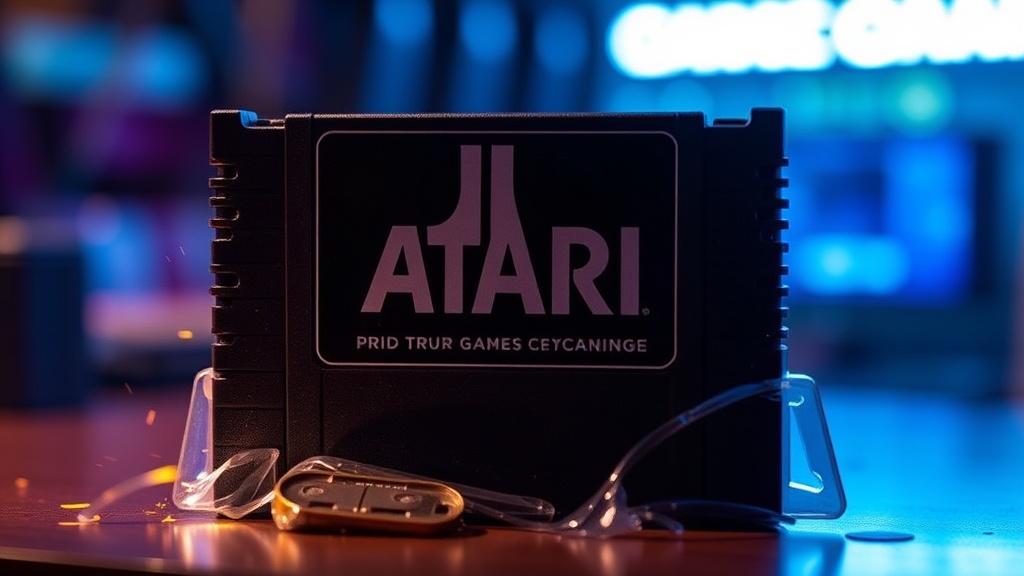
Bringing Back the Spark: Comprehensive Cleaning for Atari Game Cartridges

Bringing Back the Spark: Comprehensive Cleaning for Atari Game Cartridges
Did you know that persistent dust, grime, and oxidation contribute to a staggering majority of read errors experienced with vintage Atari game cartridges? It’s not just a minor annoyance; it’s a critical barrier between you and countless hours of classic gaming. This isn't about mere aesthetics—though a gleaming cartridge certainly looks better—it's about functional longevity and preserving the very playability of your prized collection. Today, we're dissecting the practical steps you can take to revitalize your Atari cartridges, ensuring they fire up reliably for years to come.
We’ll cover everything from identifying common issues to the tools you'll need, effective cleaning methods, and proactive storage strategies. Whether you're wrestling with a stubborn copy of Pitfall! or just looking to maintain the pristine condition of your library, understanding these techniques is fundamental.
Why Do Atari Cartridges Become Unreliable Over Time?
The passage of decades isn't kind to electronics. Atari cartridges, while built with surprising durability, aren't immune to the relentless march of time and environmental factors. The primary culprits behind unreliable connections are often microscopic—dust, dirt, and oil from fingers migrating onto the delicate gold-plated connector pins. Over time, these contaminants form an insulating layer, impeding the electrical signals between the cartridge and your console's connector. Oxidation is another significant offender; the gold plating, though resilient, can still tarnish, especially if exposed to humidity or corrosive elements in the air.
Think of it like a rusty battery terminal: the connection is there, but the flow of power is choked. Similarly, a grimy cartridge pin might only make intermittent contact, leading to frustrating flickering screens, corrupted graphics, or outright failure to load. It's a common misconception that a 'bad' game is simply broken; often, it just needs a good, thorough cleaning. In some extreme cases, though, physical damage or corrosion that's eaten through the plating may be at play—but those are far less common than simple dirt.
What's the Best Way to Clean Atari Game Cartridges?
Cleaning an Atari cartridge isn't rocket science, but it does demand a meticulous approach and the right tools. Forget the old wives' tales about blowing into cartridges—that only introduces more moisture and potential contaminants. You need a gentle, precise touch, and a few readily available items.
First, gather your supplies: high-purity isopropyl alcohol (90% or higher is ideal), cotton swabs, and perhaps a pencil eraser (the white, non-abrasive kind, like a Staedtler Mars Plastic). For tougher cases, or for addressing oxidation, an electronic contact cleaner specifically designed for sensitive circuitry can be immensely helpful. Always make sure any contact cleaner you use is plastic-safe and non-residue, as some older formulations can damage vintage plastics.
Start by lightly dampening a cotton swab with isopropyl alcohol. You don't want it dripping wet, just moist enough to dissolve grime. Gently scrub the gold-plated connector pins of the cartridge, moving the swab horizontally across the pins. You'll likely see dirt transferring to the swab—keep using fresh swabs until they come away clean. This process removes surface dirt and oils. If you're dealing with visible tarnish or stubborn grime, a very gentle pass with the pencil eraser can work wonders. The eraser acts as a mild abrasive, buffing away oxidation without scratching the gold plating. Follow up immediately with an alcohol swab to remove any eraser residue.
For those times when oxidation is clearly interfering with contact, a dedicated electronic contact cleaner can be a superior choice. Products like DeoxIT D5 are popular among retro collectors. A quick spray on the pins, followed by a light scrub with a cotton swab (and then another quick, clean swab), can restore conductivity. Always allow the cartridge to dry completely—at least 15-20 minutes—before reinserting it into your console. Patience is key; rushing this step can cause more problems than it solves.
For a deeper dive into safe electronic cleaning, the community at